

What is Deposco?
Deposco is a cloud-based warehouse management system (WMS) and order management platform that provides real-time inventory visibility, order orchestration, and fulfillment capabilities. Deposco helps brands and 3PLs manage complex supply chain operations efficiently with advanced capabilities for inventory management, order fulfillment, and warehouse automation.What Does the Integration Do?
The Deposco integration automates your return workflow by connecting Redo directly to your Deposco WMS: Automatic RMA Creation When a customer initiates a return through Redo, an RMA is automatically created in Deposco with all the necessary details—customer information, SKUs, quantities, return reasons, and processing instructions. Automatic Return Processing When items are physically received in your Deposco warehouse, the system notifies Redo, which automatically triggers the appropriate return processing:- Refunds: Issued back to the customer’s original payment method
- Exchanges: New orders created and sent to your fulfillment queue
- Store credit: Applied to the customer’s account
How to Set It Up
Follow these steps to connect Deposco to your Redo account:1
Navigate to Integrations Settings
In your Redo dashboard, go to Settings → Returns & Claims → Integrations
2
Find the TrackStar Integration Tile
Locate the TrackStar integration tile in your integrations list: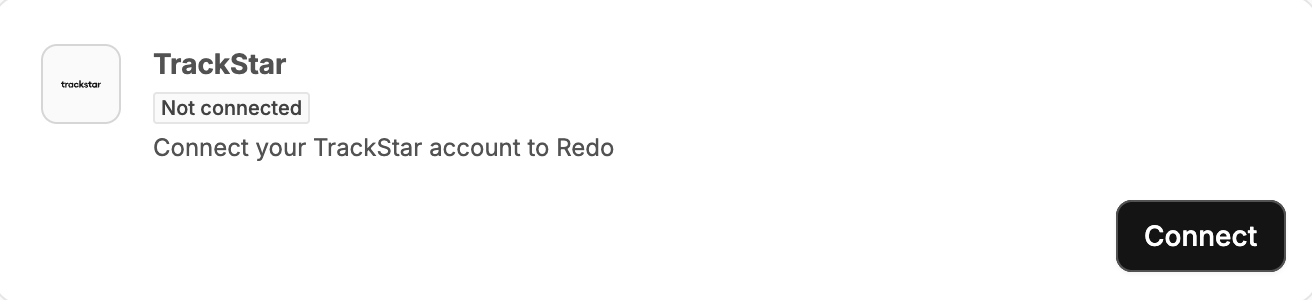
3
Click Connect
Click the Connect button on the TrackStar integration tile. You’ll be taken to the TrackStar login screen: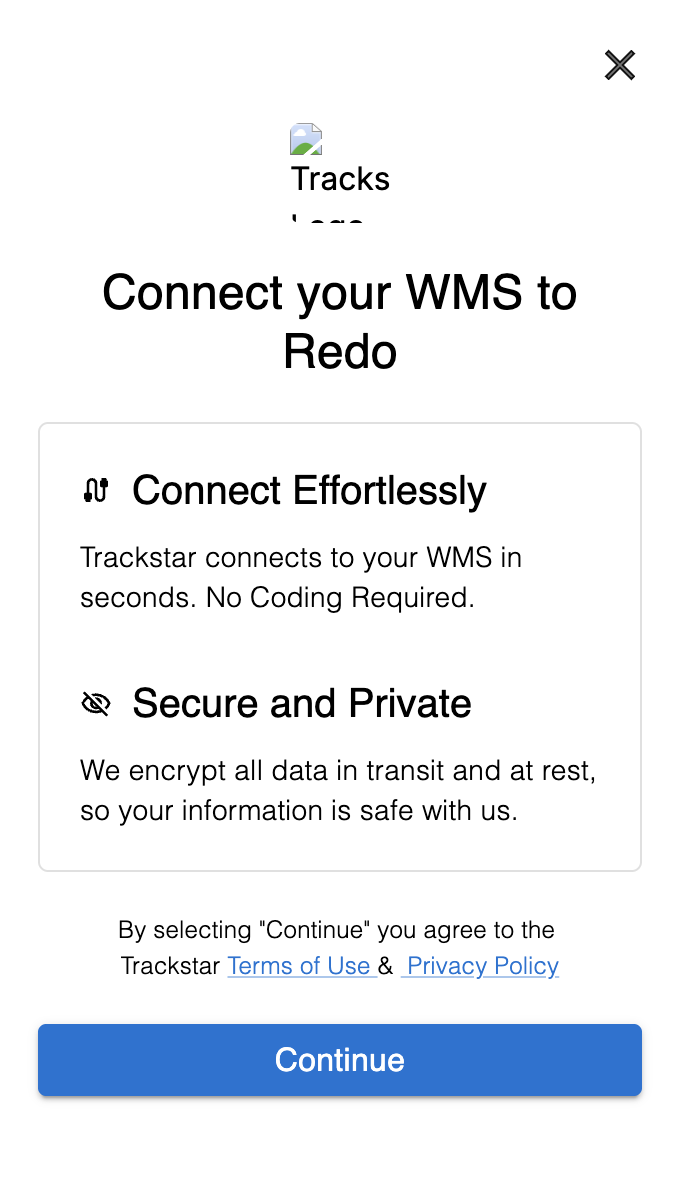
4
Search for Deposco
In the search field, type “Deposco” to find your Deposco integration.
5
Enter Your Deposco Credentials
Enter your Deposco API credentials in the login form. You’ll need to obtain these credentials from your Deposco account administrator.
6
Complete the Connection
Once credentials are entered and validated, Redo will test the connection to ensure everything is configured correctly. You’ll see a confirmation once the integration is successfully connected.
7
Configure Warehouse Location
Navigate to Settings → Returns & Claims → Shipping and locate your Deposco warehouse location. Click Edit and enter your TrackStar Warehouse ID: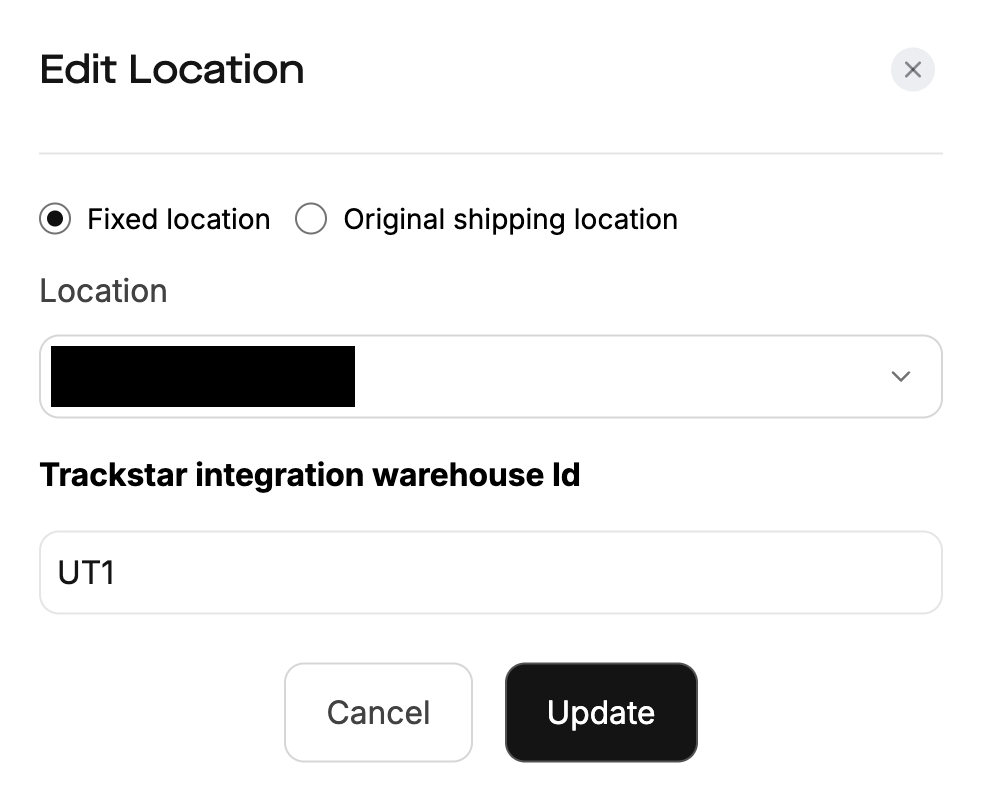
If you need help obtaining your Deposco API credentials, TrackStar Warehouse ID, or encounter any issues during setup, contact our support team at support@getredo.com.
How Long Does It Take?
Once we have your Deposco API credentials, the integration typically takes approximately 30 minutes to configure and test. This includes:- Entering and validating your credentials
- Setting up your warehouse ID