

What is CreditsYard?
CreditsYard is a store credit management platform for Shopify that provides a digital wallet for returns, exchanges, and cashback rewards. It helps merchants turn returns into repurchases by keeping the value in-store, with support for online, POS, and B2B redemption.What Does the Integration Do?
When Redo issues store credit for a return, it is issued as a reward to the customer’s CreditsYard account instead of as standard Shopify store credit. This keeps all store credit and rewards consolidated within CreditsYard.How to Set It Up
1
Connect CreditsYard
In the Redo merchant dashboard, go to Settings > Returns & Claims >
Integrations. Find the CreditsYard integration and click Connect.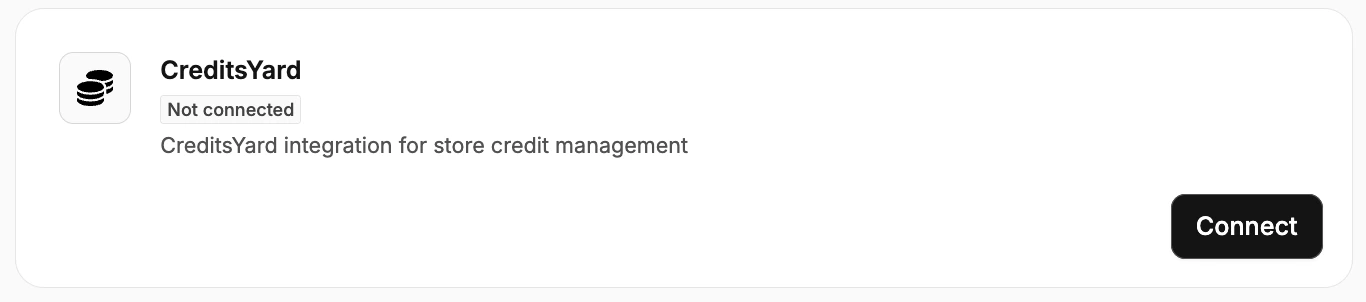

2
Select CreditsYard as Store Credit Type
Navigate to Settings > Returns & Claims > Processing > Return
Processing. Under Store credit type, select CreditsYard.